AI Agent
Textbook
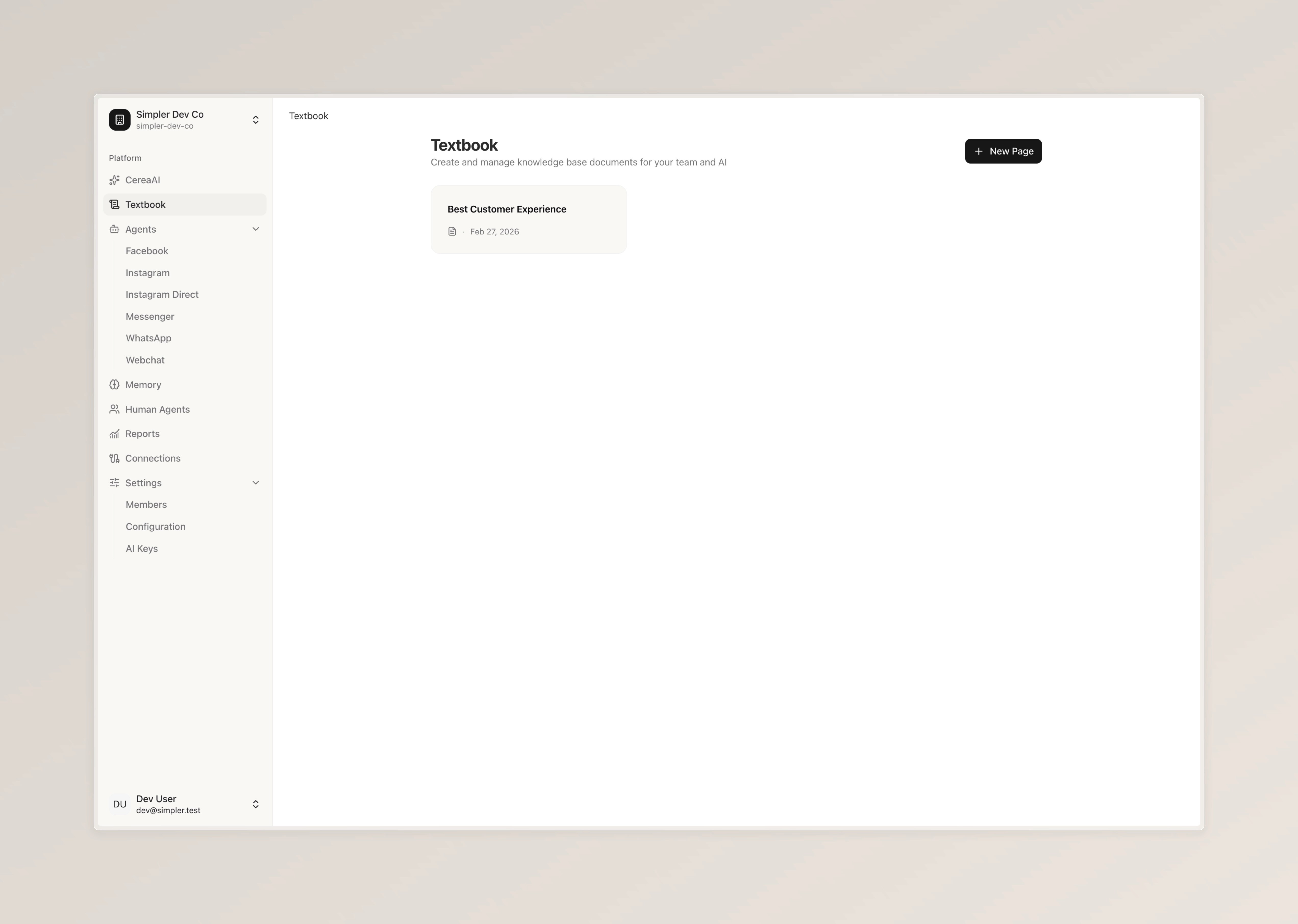
Create and manage individual knowledge pages that your bot can look up by name when it needs specific information.
This is one of two ways to give your bot knowledge. The other is Memory, and they work differently.
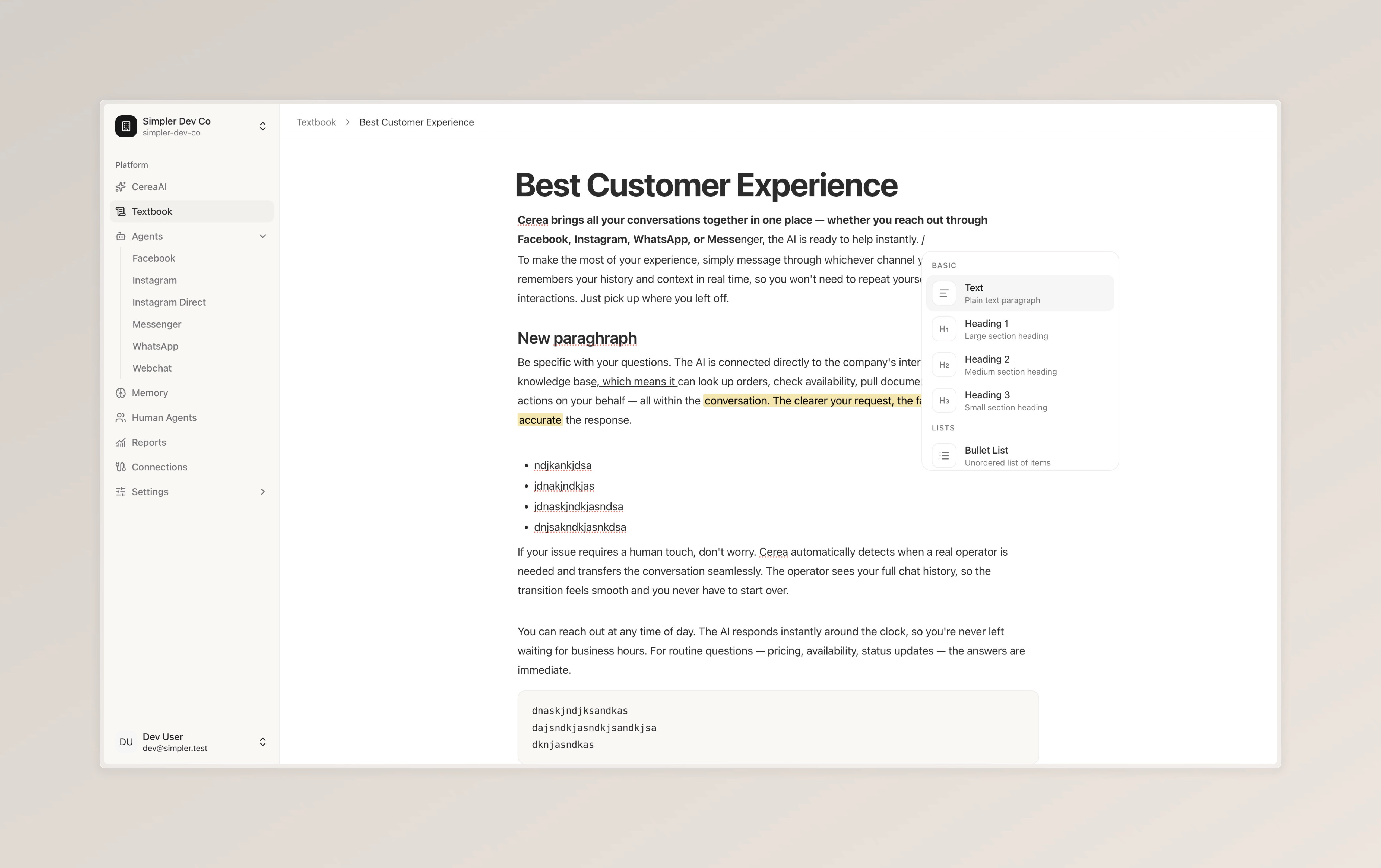
Textbook is for when you want precise control over what the bot reads. You create individual pages, each with a clear title and content. The bot sees a list of all your page titles and decides which one to open based on the customer's question. When it opens a page, it reads the whole thing — so you know exactly what information the bot is using.
Memory works differently. There, you upload large documents or connect external data, and the bot searches through everything to find relevant pieces on its own. It's great for large amounts of information, but you have less control over exactly what gets pulled.
Think of Textbook as a set of labeled folders the bot can open by name, and Memory as a large library the bot searches through.
To create a new knowledge page, simply click the button to add one, give it a clear title, and write the information you'd like the bot to have access to. You can format your content with headings, bold text, bullet lists, and more. Any changes you make are available to the bot right away.
For the bot to actually use these pages, make sure the Textbook instrument is enabled in your Configuration tab. Once it's turned on, the bot will automatically know which pages are available and will look up the right one whenever it needs to answer a question.
Follow us on Instagram
Any other questions? Get in touch