AI Agent
Memory
Upload files and connect external data sources to build the knowledge base your bot searches through when answering questions.
This is one of two ways to give your bot knowledge. The other is Textbook, and they work differently.
Memory is best for when you have large amounts of information — documents, files, or data from your systems. When a customer asks a question, the bot automatically searches through everything you've added here and pulls out the most relevant pieces to form an answer. You don't control exactly what the bot finds — it figures that out on its own based on the question.
Textbook works differently. There, you create individual pages with specific topics. The bot sees a list of page titles and decides which one to open when it needs information. It's more precise and controlled — the bot picks a specific page and reads the whole thing.
Think of Memory as a large library the bot searches through, and Textbook as a set of labeled folders the bot can open by name.
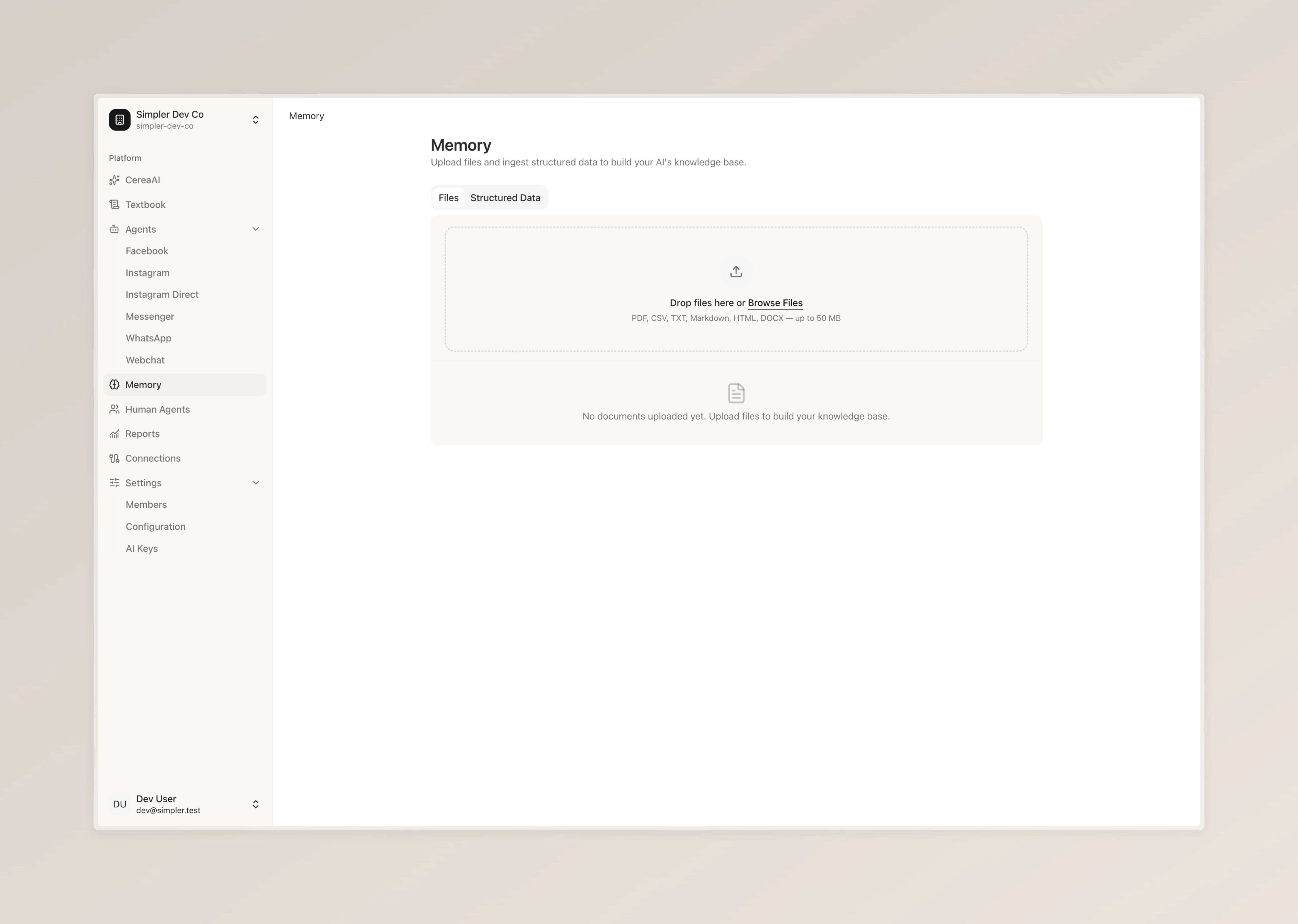
Files — You can upload documents directly by dragging them in or clicking "Browse Files." Supported formats include PDF, CSV, TXT, Markdown, HTML, and DOCX, with a size limit of up to 50 MB. Once uploaded, the bot will be able to search through these documents when it needs to find an answer.
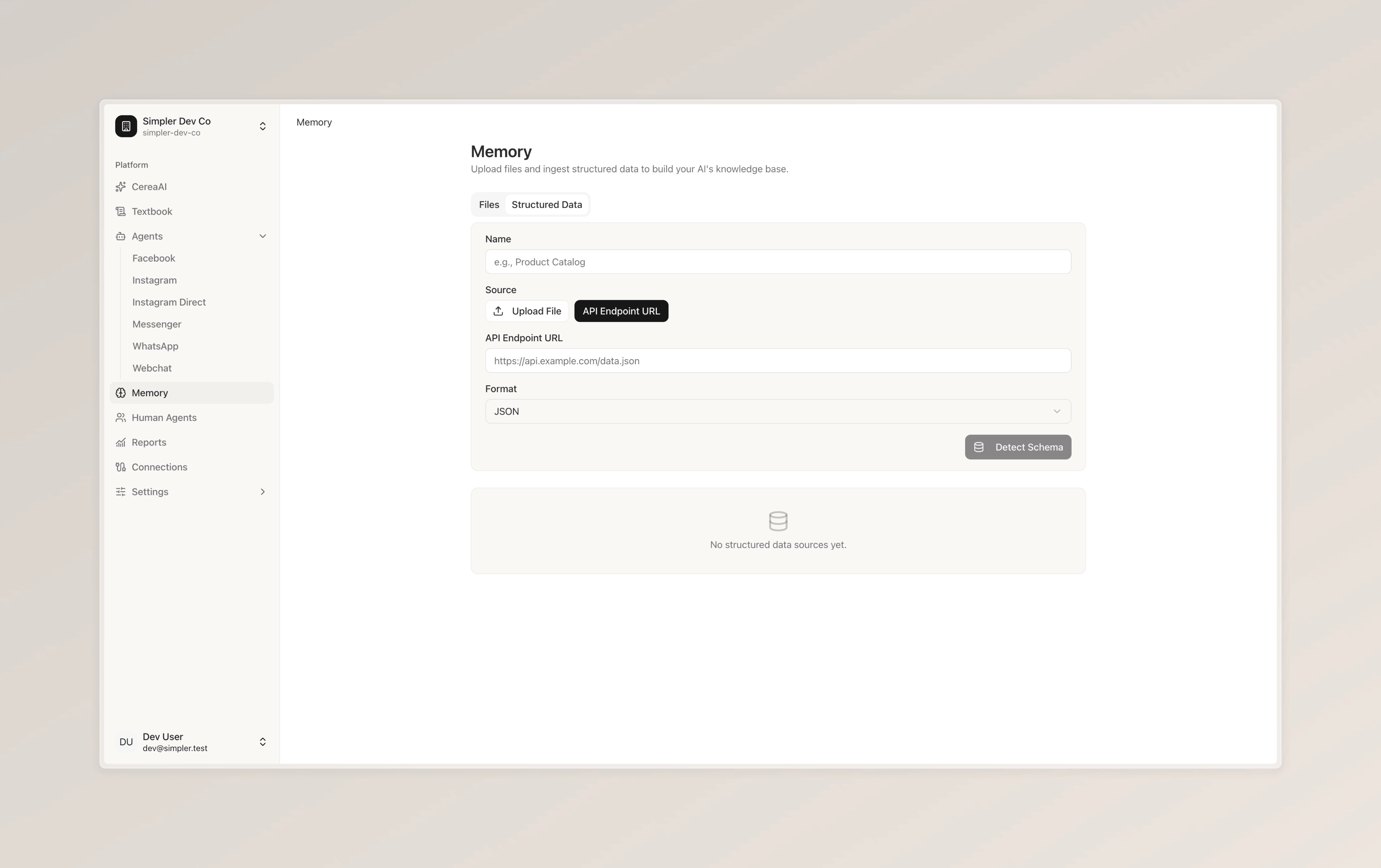
Structured Data — If your business data lives in an external system, you can connect it by providing an API endpoint URL. Give your data source a name, paste the endpoint URL, select the format (e.g., JSON), and click "Detect Schema" to let the system understand the structure of your data. This way, the bot can pull live information directly from your systems without you having to upload anything manually.
Follow us on Instagram
Any other questions? Get in touch