CRM
Posts
Browse all posts from your connected Facebook and Instagram pages, along with their comments and the bot's replies.
Here you'll find all the posts from your connected Facebook page. Each post appears with a brief preview of its content, the date it was published, and the total number of comments it has received.
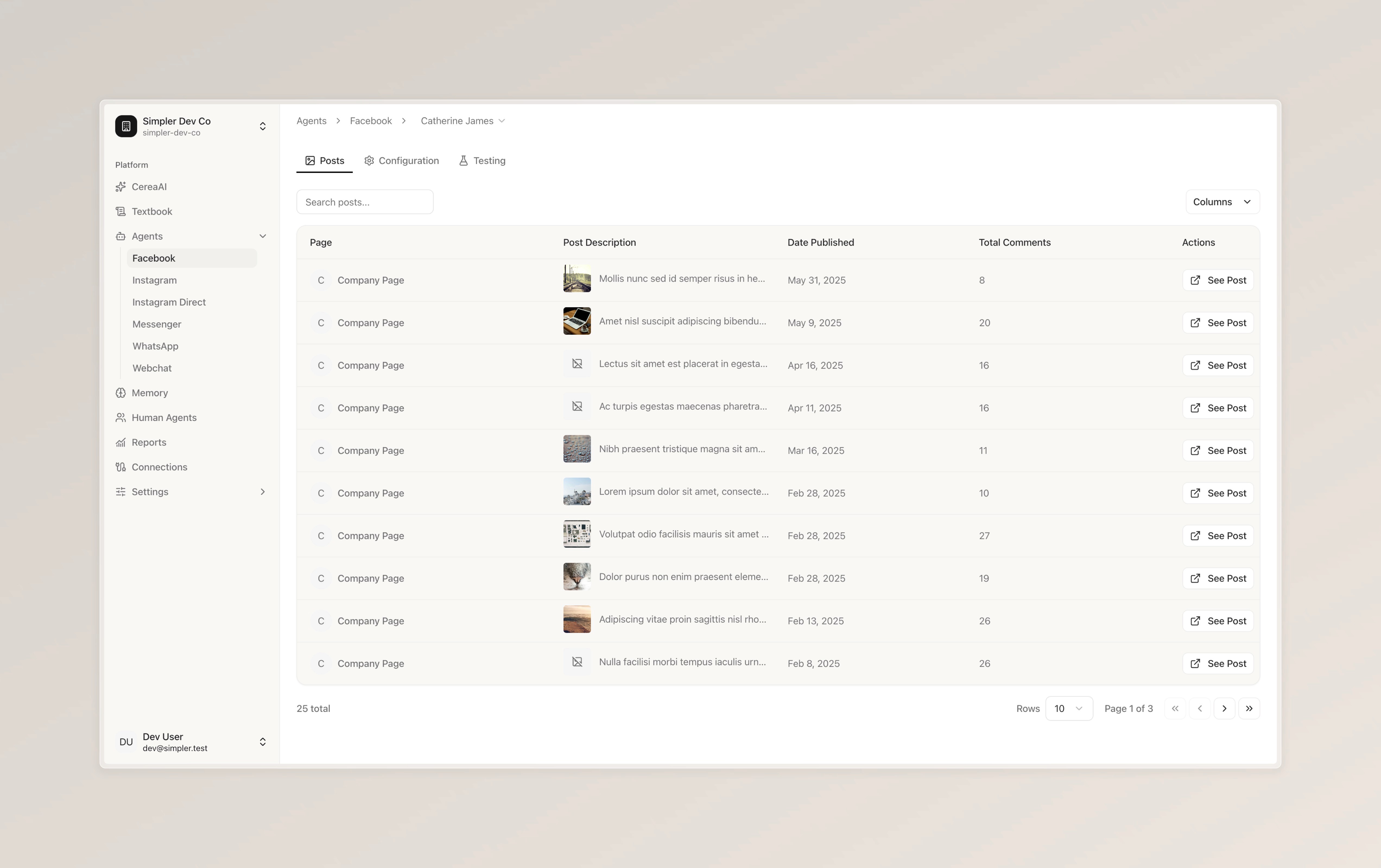
At the top, next to "Facebook," you'll see the name of your currently selected Facebook page. You can click on it to switch between your connected Facebook pages if you have more than one.
You'll also notice three tabs. "Posts" is the page you're currently viewing. "Configuration" allows you to customize how the bot behaves on this particular Facebook page. "Testing" gives you a safe space to try out the bot before any changes go live, so you can make sure everything is working exactly the way you'd like.
Post Details
If you'd like to view a specific post in more detail — including all of its comments and the bot's replies — simply click "See Post" on the right side of that row.
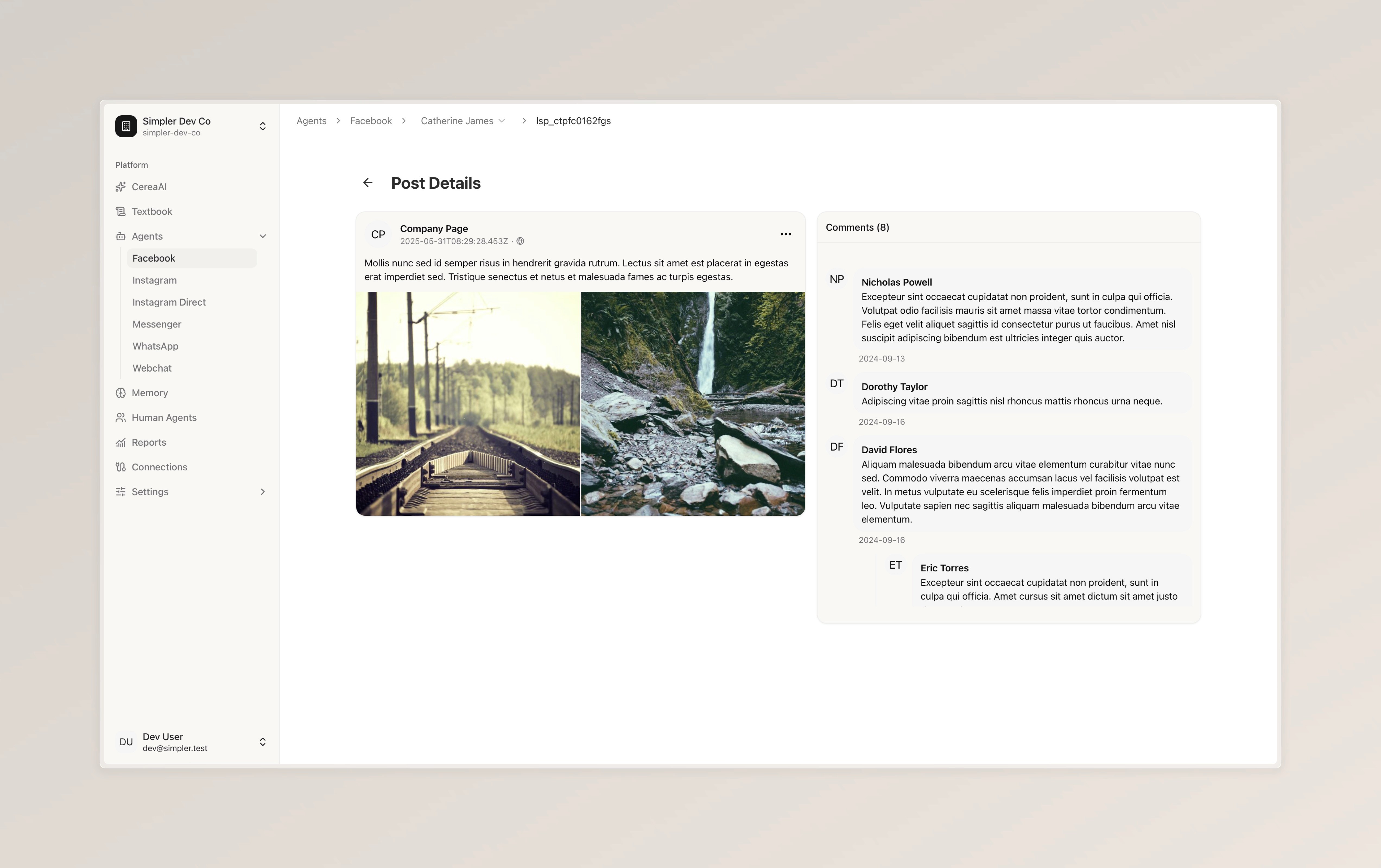
This is where you can see a single post in full detail. On the left side, you'll find the complete post — including its text and any images or media that were attached to it.
On the right side, you'll see all the comments that people have left on this post. Each comment shows the commenter's name, their message, and the date it was posted. If the bot has replied to any of these comments, you'll be able to see those replies here as well.
To go back to the full list of posts, simply click the arrow at the top left.
Follow us on Instagram
Any other questions? Get in touch