CRM
Settings — Members
Manage your team members, invite new ones, and control roles and access within your organization.
This is where you manage everyone who has access to your organization's dashboard. You can see all your team members listed here with their name, email, role, status, and other important details.
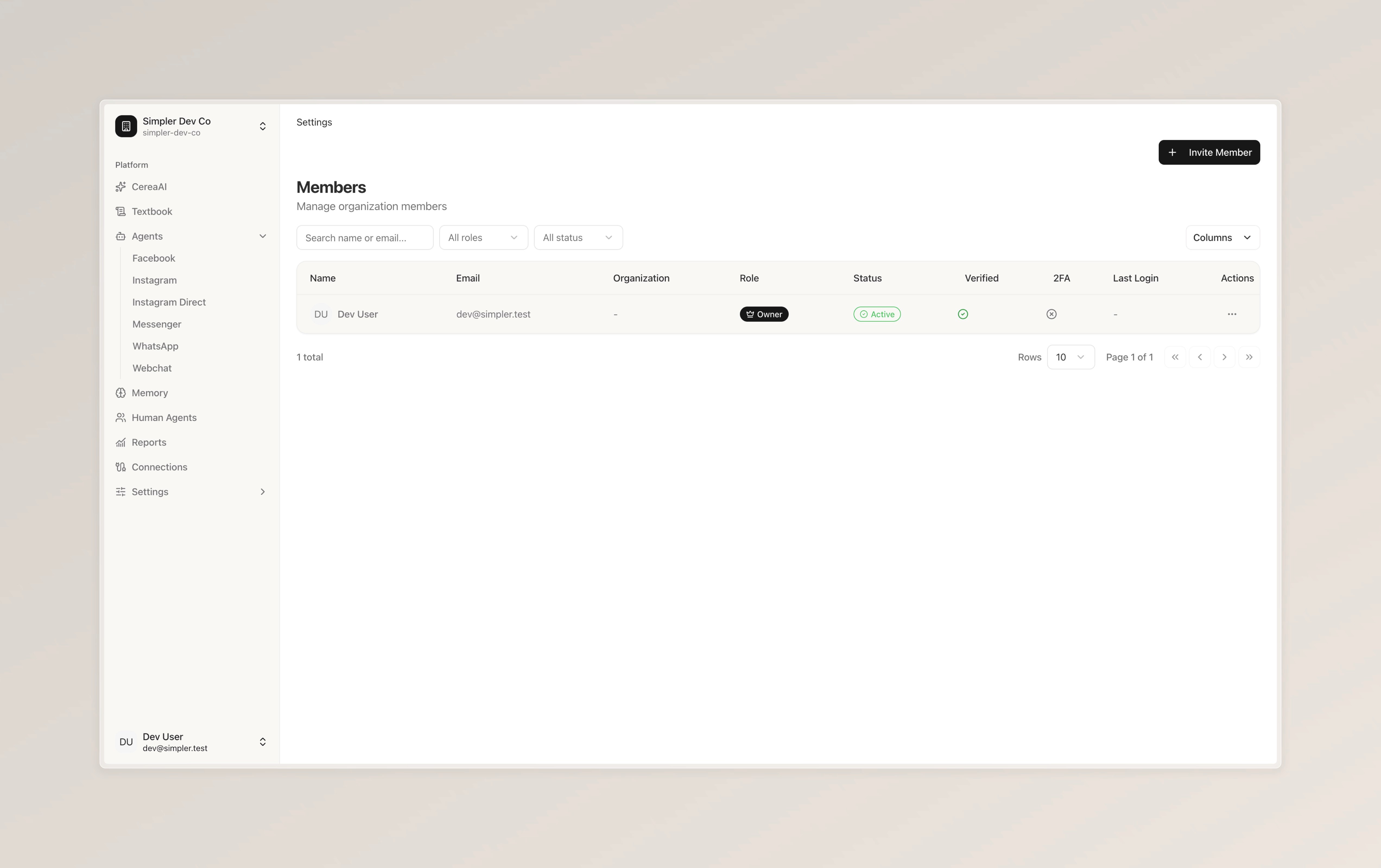
Each member has a role — like "Owner" — which determines what they can do within the platform. You can also see whether a member's account is active, if their email has been verified, whether they've set up two-factor authentication (2FA), and when they last logged in.
To add someone new to your team, click the "Invite Member" button in the top right corner. You can search for existing members by name or email, and filter the list by role or status using the dropdown filters at the top.
If you need to make changes to a member's account — like updating their role or removing access — click the three dots under "Actions" on the right side of their row.
Follow us on Instagram
Any other questions? Get in touch