CRM
My Profile
Update your personal account details, security settings, and preferences like dark mode and language.
This is your personal account settings. You can access it by clicking on your profile icon. Here you'll find everything related to your own account.
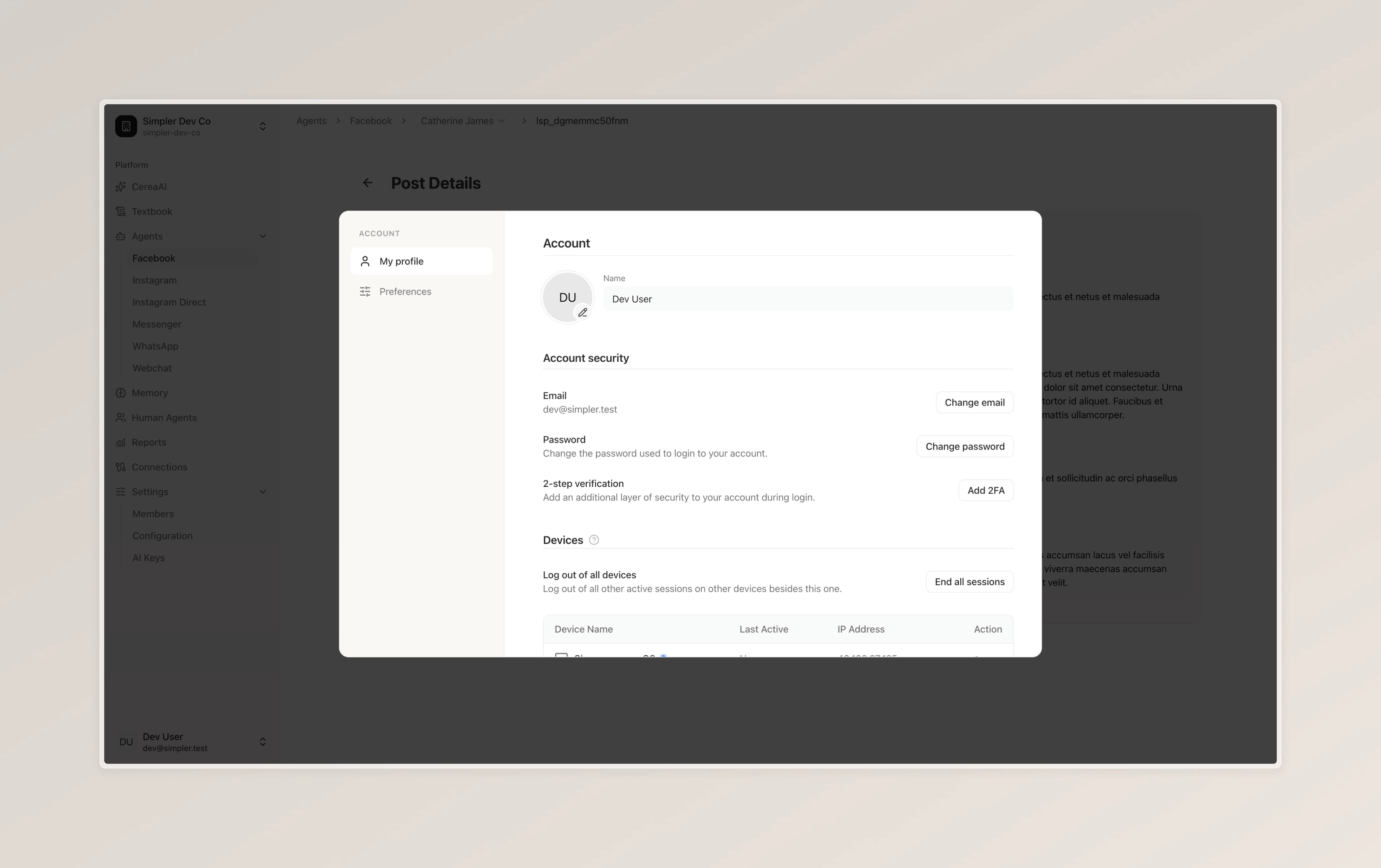
At the top, you can update your name and profile picture. Below that, in the "Account Security" section, you have options to change your email, update your password, and set up two-step verification (2FA) to add an extra layer of security when you log in.
Further down, the "Devices" section shows all the devices where your account is currently logged in. You can see each device's name, when it was last active, and its IP address. If you'd like to sign out from all other devices at once, simply click "End all sessions."
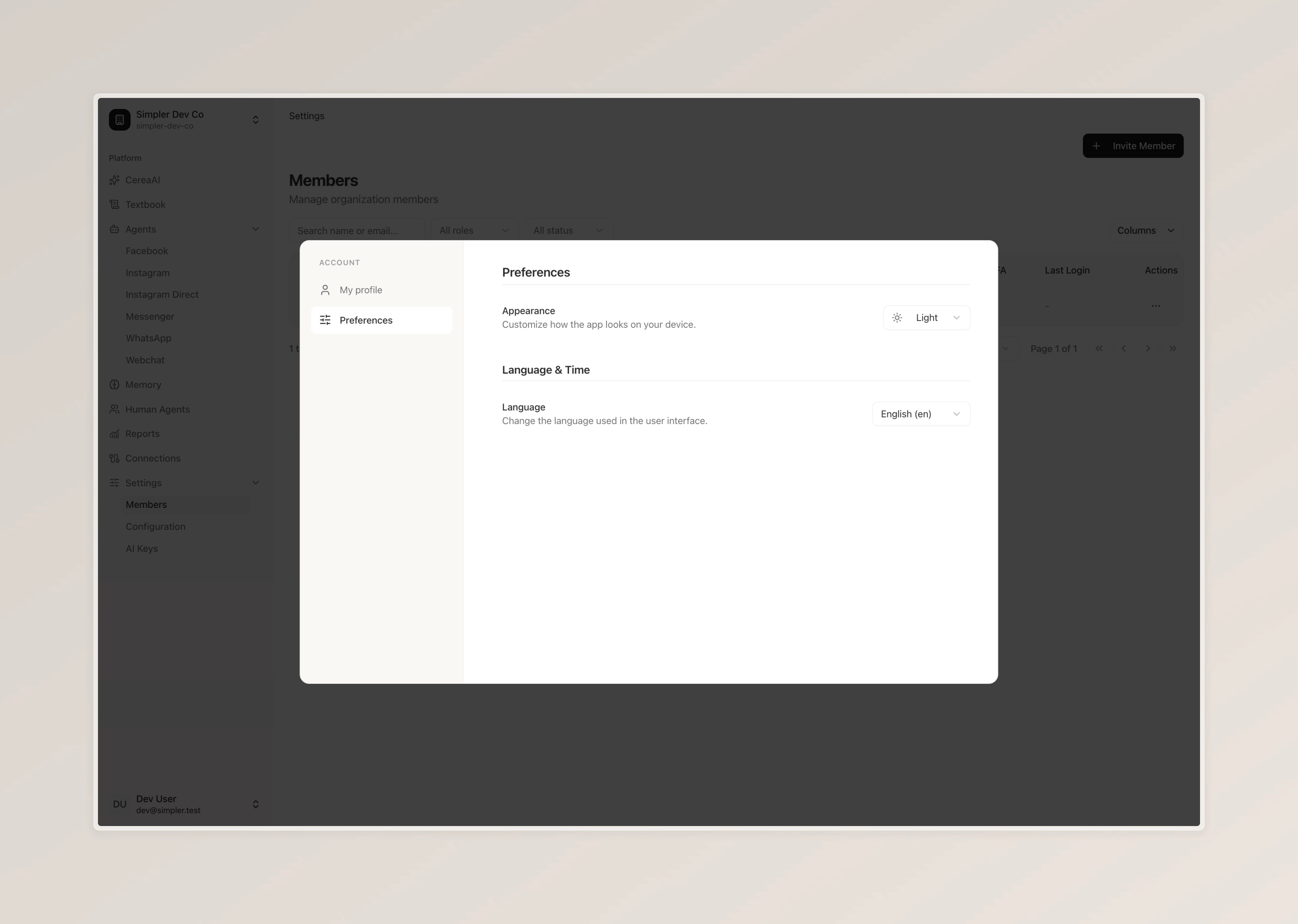
On the left side, you'll also find a "Preferences" tab where you can switch between dark and light mode and change your preferred language.
Follow us on Instagram
Any other questions? Get in touch