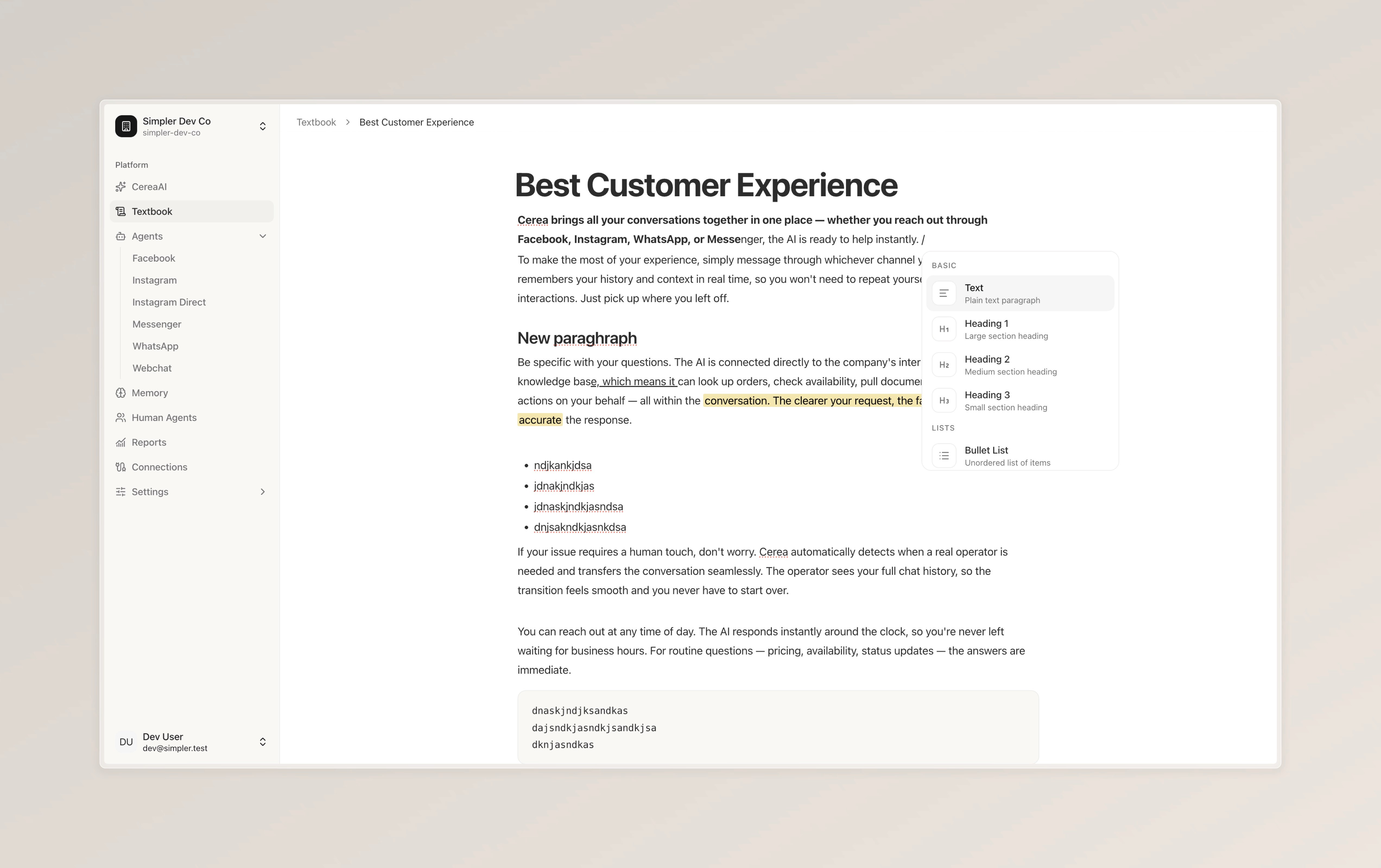
Textbook is a new section in your sidebar where you can create knowledge pages for your bot. Each page has a title and content that you write yourself.
When a customer asks a question, the bot checks the list of available page titles and opens the one that's most relevant. It reads the full page and uses that information to respond. This means you always know exactly what the bot is referencing.
You can format your pages with headings, bold text, bullet lists, and more. Any changes you make are available to the bot immediately.
To use Textbook, go to the Textbook section in your sidebar and create your first page. Then head to the Configuration tab of your agent and make sure the Textbook instrument is toggled on.
Textbook works alongside Memory. Memory is best for large amounts of data the bot searches through automatically. Textbook is best when you want full control over specific topics the bot can access by name.